Why You Cannot Build a Working App With AI Without Knowing Code
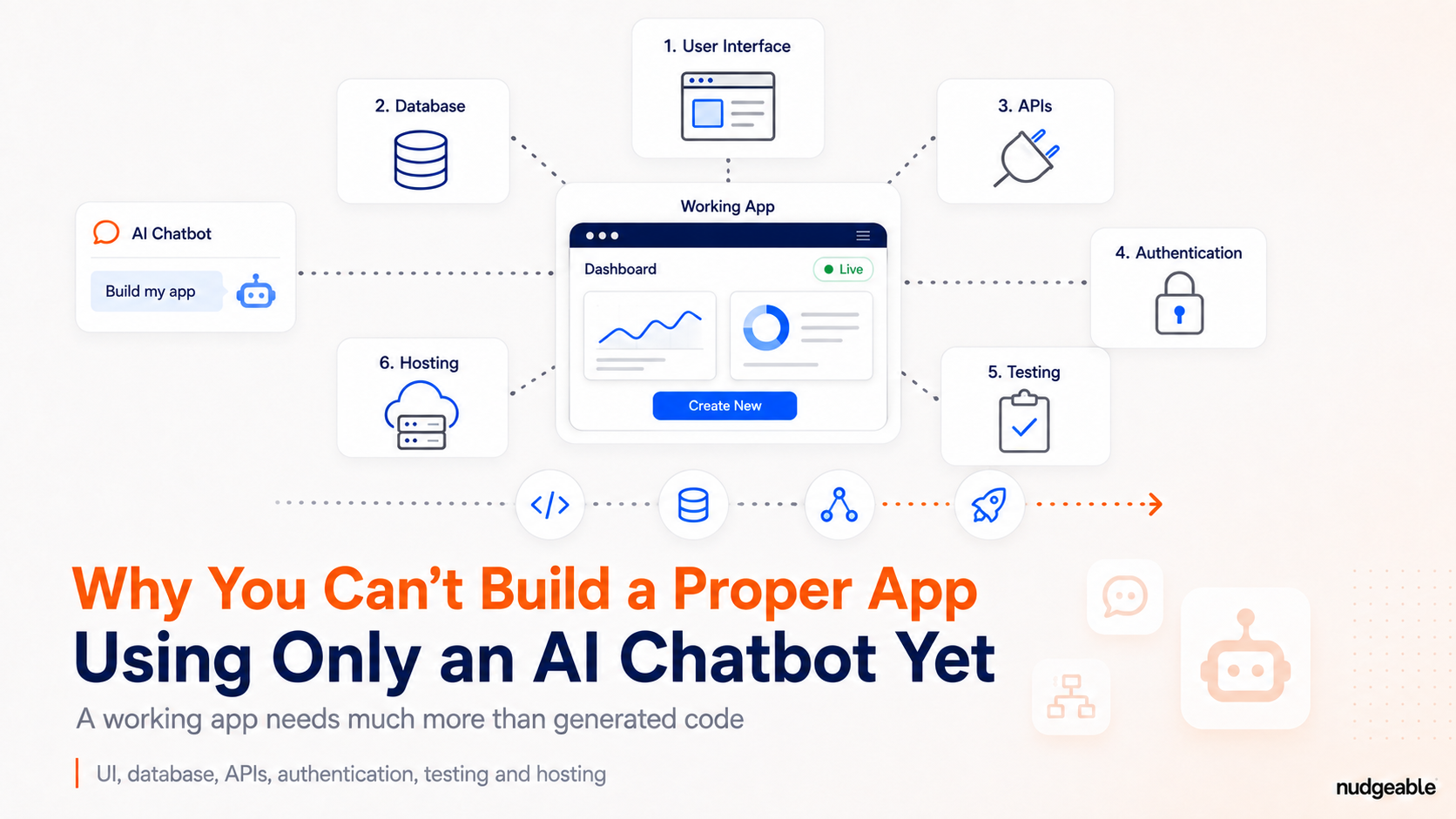
AI can generate much of an application’s code within minutes. A usable product also needs data storage, permissions, hosting, integrations and production controls. Understanding how these pieces fit together is becoming more important than writing every line yourself.
Every few days I see a LinkedIn post where someone says they built a full app in 15 minutes with Claude or ChatGPT, and that coding skills no longer matter.
The first half of that claim is true, and the second half is where people get into trouble.
AI can create screens, write logic, fix its own errors and produce a convincing working demo from a single prompt. I do this most weeks. What AI does not give me is the judgement about which parts an app needs, whether the code it wrote is the right code, and what will go wrong once real people use it. That judgement is the technical skill, and it has not been replaced.
So the honest version of the claim is this. Without any technical knowledge, AI will take you to a prototype quickly and then stop. Here is where it stops, and why.
1. AI builds the screen, not the app behind it
Take a prompt like this:
Build an expense app where employees submit claims and managers approve them.
AI will create the form, the approval screen and the status labels. It will add sample expenses and make every button look like it does something.
That prototype proves the idea can become software. It does not prove that a team can start using it at work.
The questions that come next are the boring ones. Where do the receipts get stored? How is each claim linked to a specific employee? Which manager is allowed to approve which claim? Can finance pull an audit trail six months from now?
The chatbot finished the interface and the basic logic because that is exactly what was asked for. Everything else was never built, and the demo has no way of showing you that.
2. You cannot ask AI for something you do not know exists
This is the part that decides everything else.
I can ask for three things in plain language and get working code for all of them:
Add Google sign-in and allow access only to our company domain.
Store every claim in Firebase.
Send approved expenses to our accounting system through its API.
But I only asked for those three because I knew they were needed. Sign-in confirms who the user is. Firebase keeps the information after the browser is closed. An API, short for Application Programming Interface, is the doorway that lets my app pass information to the accounting system.
Someone who has never built software does not know that list exists. They see a finished-looking screen, no error message, and no reason to ask another question. AI answers what you ask. It does not tell you what you forgot.
3. AI writes code that runs even when the code is wrong
Working code and correct code are not the same thing.
AI will happily store passwords inside the code where anyone can read them. It will write a database query that is fine with twenty sample records and painfully slow with twenty thousand. It will add a permission check in one place and miss it in another. Every one of those runs without an error message.
I catch some of these because I have seen them before. If you have never seen them, the app looks perfect right up to the day it does not.
For a small internal tool I sometimes use Airtable as the database, and AI writes the code that sends form entries into an Airtable base in a minute. Deciding whether Airtable is the right choice for the amount of information, the access controls and the reliability we need is my call, and AI will not make it for me unless I ask the question properly.
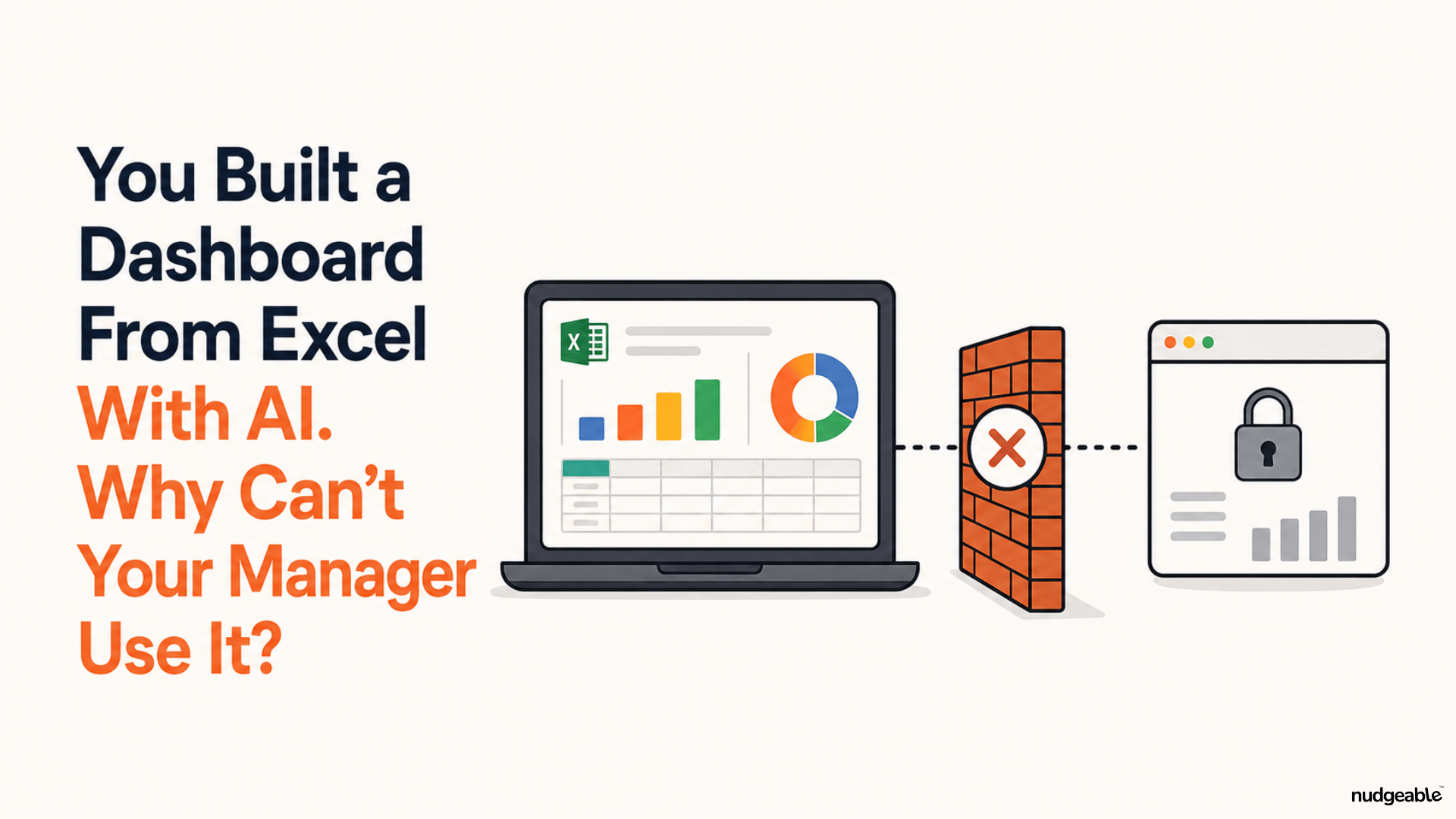
4. Your dashboard may be showing numbers typed into the page
Say I ask AI for a sales dashboard with customer records, filters and a revenue chart. It gives me one that looks complete.
Then I look closer. The customer names are typed straight into the page. The chart moves because the numbers are fixed inside the code.
So I ask for the next step:
Connect this dashboard to our live customer database.
That one sentence pulls in database passwords, table structures, access permissions and error handling. It also tends to reveal that the real database does not contain half the fields shown in the demo.
AI can propose the connection. A person still has to confirm that it pulls the right records, runs fast enough, and stops one customer from seeing another customer's information. Someone without technical knowledge has no way to check any of that, and no way to know they should.
5. One app needs four or five separate services set up correctly
Code written inside a chat window is not automatically something a company can use.
GitHub keeps the code and every earlier version of it, so when an AI-generated change stops the app from working, you can go back to yesterday's version instead of guessing what changed. Firebase or Airtable might hold the information. Vercel, Render or Amazon Web Services might run the app online. A domain bought from GoDaddy gives people an address like expenses.yourcompany.com, and that domain has to be pointed at the hosting service through DNS settings, which is the system that turns a web address into the right server. Passwords and API keys need a safe home instead of sitting inside the code.
A simple setup ends up looking like this:
AI writes the code, GitHub stores the versions, Firebase holds the information, Vercel runs the app, GoDaddy connects the domain.
AI can guide you through all of it and do parts of it directly when you give it access. Each service still has to be created, configured and joined up correctly, and when one of them refuses to connect, the error message is written for people who already know how it works.
6. The app slows down the day 500 people use it
An app can work perfectly for the person who built it and fall apart when a few hundred people arrive.
Someone uploads a 300 MB file. Fifty employees hit Submit at the same moment. An outside service slows down. An employee who left last month still has access. A database query that took half a second with sample data now takes eight seconds.
These are questions of performance, security, backups and recovery. AI helps me investigate all of them, but only after a person has spotted the problem and described it clearly. Describing a technical problem clearly is itself a technical skill.
Fifteen minutes gets you a prototype, and that is worth something
Anyone can test an idea in an afternoon now, and a prototype you made yourself is a far better brief than a two-page requirements document. Building one is a good use of your time.
Turning it into something a company can run on needs someone who understands what the code is doing. That can be you after you learn enough to make the calls, or a developer you work with. It is not something a prompt covers for you.
The next time someone shows you an app they built in 15 minutes, ask what happens when real employee data goes into it.